
Why Standing Desks Wobble: Setup Factors to Check
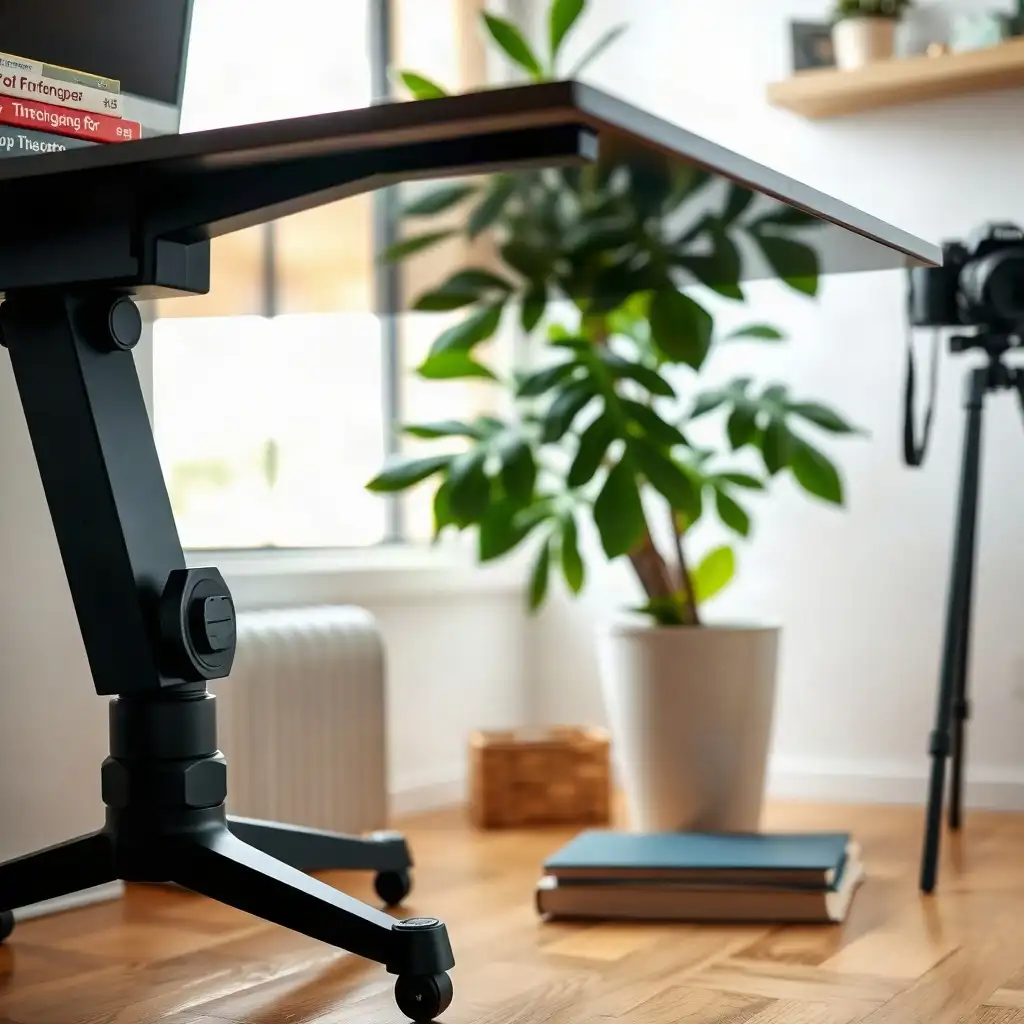
Standing desks can boost productivity, but they often wobble due to factors overlooked during setup. One main issue is the surface where the desk is placed; an uneven or soft floor can cause instability. Improper assembly also contributes, loose screws or misaligned parts can lead to wobbling. Users should consider weight distribution; placing heavier items on one side can disrupt balance and alter the center of gravity. Ensure height adjustment mechanisms are set up correctly for stability.
Common Causes of Desk Wobbling
Wobbling in standing desks often results from common setup mistakes. One key issue is the surface where the desk sits; if the floor is uneven or soft, it can cause instability. Assembly also plays a role, if parts aren’t securely fastened or misaligned during installation, even quality desks may wobble.
Load distribution matters too; placing heavier items on one side without balancing them can shift the center of gravity and affect stability. Problems with height adjustment mechanisms can worsen the situation; incorrect calibration might hinder smooth transitions between sitting and standing positions and increase any wobbly feeling while using the desk.
Check Your Desk's Surface Stability
A desk’s stability depends on the surface it stands on. If a standing desk is placed on an uneven or soft floor, its legs may not touch the ground evenly, causing instability and unwanted movement during use. Small dips in the flooring can exacerbate this issue, making tasks frustrating due to shaking.
It’s also important to consider how you assemble your desk; loose screws or misaligned parts can cause even well-built desks to wobble during normal use. How you organize your workspace matters: placing heavier items in one spot can disrupt balance and shift the center of gravity.
Pay attention to height adjustment mechanisms, if they aren’t set up correctly or wear down over time, smooth transitions between positions may become difficult, leading to overall instability.
The Pros & Cons of Desk Stability Factors
Pros
-
A well-built standing desk reduces wobbling, which makes using it more enjoyable.
-
Adjustable leveling feet can handle uneven floors, boosting stability.
-
Keeping cables organized stops them from getting caught, allowing for smoother movement of the desk.
-
Performing regular maintenance and inspections helps maintain reliability and performance over time.
Cons
-
An uneven floor can cause ongoing instability, no matter how well the item was assembled.
-
If assembly is done incorrectly or if fasteners are loose, you may experience noticeable wobbling during use.
-
Heavily mounted accessories can impact how steady the desk feels overall.
-
Poorly managed cables might restrict movement and lead to extra instability.
Understanding Load Distribution
Load distribution is key to keeping standing desks stable. Placing heavier items on one side can throw off balance and cause wobbling. Users should arrange their equipment wisely, ensuring that monitors and heavy objects are spread evenly across the desk surface. A balanced setup boosts stability and enhances ergonomics while working.
When adding accessories like monitor arms or keyboard trays, position them carefully; incorrect placement can create leverage points that destabilize the desk during height adjustments or regular use.
Understanding Load Capacity
Knowing your desk’s load capacity is crucial, every model has specific limits based on its design and materials. Users should familiarize themselves with these specifications because exceeding them could lead to instability and potentially damage the structure over time. Managing weight properly helps maintain a steady workspace and extends the life of ergonomic furniture. By thoughtfully arranging items on their workstation, individuals can reduce unwanted movement and improve productivity whether sitting or standing without sacrificing comfort or safety. Add the desk, monitor arms, and other equipment, then compare their combined weight with the manufacturer’s load rating.
Assessing Desk Assembly and Tightness
A desk’s assembly and the tightness of its components are crucial for stability. When assembling a standing desk, users must follow the manufacturer’s instructions to ensure each part fits properly. Loose screws or incorrectly attached legs can cause significant wobbling during use. Regularly checking these fasteners is important; even small shifts in alignment can greatly affect performance. Insufficiently tightened bolts may allow movement at joints, leading to instability whether sitting or standing.
Users should pay attention to their desks’ initial assembly, any misalignment or missing hardware undermines structural integrity. Inspecting the setup routinely after installation is advisable, as wear and tear may create subtle changes that could lead to wobbliness. By prioritizing thorough assembly checks and ensuring all connections remain secure, individuals can achieve a more stable workspace while maximizing the ergonomic benefits of their design choices.
Key Setup Factors Causing Desk Instability
| Setup Factor | Description | Impact on Stability | Practical Checks | Manufacturer Dependence | Notes |
|---|---|---|---|---|---|
| Desk Leveling | Ensuring all legs are evenly adjusted to the floor. | Can lead to rocking or wobbling. | Check each leg for even height and adjust as needed. | Varies by model; refer to manual. | Uneven surfaces exacerbate instability. |
| Surface Material | The type of surface the desk is placed on (carpet, hardwood, etc.). | Affects grip and stability. | Test desk movement on different surfaces. | Depends on desk design and weight. | Hard surfaces generally provide better support. |
| Load Distribution | How weight is distributed across the desktop. | Improper distribution can cause tipping. | Ensure heavier items are centered and secured. | Specific to the desk’s design. | Monitor arms add leverage; secure cords properly. |
| Assembly Quality | The precision and tightness of screws and fasteners during assembly. | Loose parts can lead to wobbling. | Regularly check and tighten fasteners. | Refer to assembly instructions. | Periodic maintenance recommended. |
| Height Adjustment Mechanism | Type of mechanism used for adjusting height (motorized vs. manual). | Motorized desks may have specific tolerances. | Test operation and listen for unusual sounds. | Unique to each model. | Follow manufacturer guidelines for adjustments. |
| Desktop Thickness | The thickness of the desktop material. | Thicker materials may reduce flex. | Assess the desktop for flexibility under load. | Varies by product specifications. | Consider material properties when selecting a desk. |
Evaluating Desk Height Adjustment Mechanisms
Height adjustment mechanisms are crucial for the functionality of standing desks. They affect the desk’s stability during use. These systems come in different designs, some electric, others manual, each with its own operation method. A common issue arises when controls fail or do not adjust smoothly, resulting in a shaky setup.
To reduce wobbling, users should familiarize themselves with their desk model’s height adjustment guidelines and follow any recommended reset steps if problems occur.
Regular Alignment Checks
Individuals must regularly check alignment. If the mechanism becomes misaligned due to improper assembly or wear, one side of the desk may rise higher than the other during adjustments, leading to instability and discomfort. Users should also consider how weight distribution impacts these mechanisms; placing heavy items on one end can create leverage points that worsen wobbliness when switching between sitting and standing positions.
Understanding Load Capacity
Knowing manufacturer specifications regarding load capacity is essential. Exceeding recommended limits can stress mechanical components beyond their design, potentially decreasing performance over time. By paying attention to calibration details and regularly checking height adjustment features, workers can enjoy a more reliable workspace experience free from unnecessary movement distractions while improving comfort and productivity throughout their workday.
Enhancing Desk Stability with Accessories
Incorporating accessories can boost the stability of a standing desk, making it a more dependable workspace. Adding stabilizing feet or leg extenders provides support on uneven floors. These accessories help distribute weight evenly and reduce wobbling while working. Using anti-slip pads under the desk legs increases friction with the floor, keeping everything in place when shifting between sitting and standing.
Cable Management
Another useful addition is cable management systems. They keep cords tidy and prevent tangling or awkward angles. Keeping things organized helps maintain a clean workspace and contributes to overall desk stability.
Monitor Arms and Keyboard Trays
When setting up monitor arms or keyboard trays, pay attention to placement. Ensure these items are balanced across both sides of the desk to avoid creating leverage points that could worsen instability during height adjustments. By integrating these enhancements into your setup, you improve performance and comfort throughout your working hours without sacrificing structural integrity.
Factors Behind Wobbly Standing Desks Unveiled
-
Many standing desks show varying stability based on height, with more movement when standing compared to sitting.
-
A common myth is that all wobbling problems come from the desk; yet, uneven floors and assembly also greatly affect stability.
-
The way a standing desk adjusts, motorized or manual, can impact steadiness during use, with each type offering different experiences.
-
People often think any desktop setup works well with any accessories; yet, it's important to ensure compatibility of your desktop, frame, and items like monitor arms according to manufacturer guidelines to prevent instability.
-
There’s a misconception that cable management doesn’t influence desk movement; poorly organized cables can get caught or pinched, leading to wobbly conditions when adjusting height.
Routine Maintenance for Optimal Performance
Routine maintenance is important for keeping standing desks functioning well long-term. Users should regularly check their setup for signs of wear or misalignment that could cause wobbling. Simple tasks like tightening screws and bolts can improve desk stability. Over time, parts may loosen due to frequent movements and height adjustments, so monitoring these fasteners helps maintain structural integrity.
Securing Hardware
to securing hardware, users need to consider how often they rearrange items on their desks. Regularly decluttering and redistributing weight can help prevent uneven load distribution, which leads to instability over time. Routine cleaning, not just for appearance but also functionality, removes dust from moving parts that might impact adjustment mechanisms if left unchecked. By committing to consistent maintenance practices, individuals enhance both the safety and efficiency of their workspace while maximizing comfort during extended hours at the desk.
Ensuring a Steady Workspace
A stable workspace is essential for maximizing the benefits of a standing desk. Ensure the desk sits securely on an even surface. Bumps or dips in the floor can cause unwanted movement, leading to frequent posture shifts and distractions. To address this, use shims under uneven legs for immediate stability.
Regularly Assess Your Workspace
Take time to evaluate your workspace environment. Check how weight is distributed and how accessories interact with the desk’s mechanics; for example, ensure monitor arms are mounted correctly to prevent extra leverage that could increase wobbling when adjusting height. While ergonomics focus on comfort and efficiency, maintaining balance in all parts of your workstation setup is crucial for productivity and well-being during work hours without compromising safety or ease of use.
FAQ
What factors can cause a standing desk to wobble during use?
A standing desk may wobble due to uneven floors, incorrect assembly, height adjustments, weight distribution, and cable routing issues.
How can users determine if the movement of their desk is due to assembly issues or floor conditions?
Check for desk wobbling by ensuring all parts make even contact with the floor and watching for rocking or shifting at different heights.
What steps should be taken to ensure that a standing desk is properly assembled and secured?
To set up your standing desk, read the assembly instructions, check for loose connections, ensure it’s on a flat surface, and confirm all accessories are attached correctly.
How does the height of a standing desk affect its stability and perceived movement?
The height of a standing desk affects its stability and the noticeable movement, as raising the work surface alters the frame’s setup and makes wobbling more apparent.
What role do desktop accessories, like monitor arms, play in the overall stability of a standing desk?
Desktop accessories like monitor arms can affect a standing desk’s stability; ensure they are correctly mounted and compatible to minimize wobbling.
What should users do if they encounter persistent issues with their standing desk despite following the manual's instructions?
If users continue to experience issues with their standing desk after following the manufacturer’s instructions, they should stop using it and contact the manufacturer or a qualified repair provider.