
How to Prepare a Standing Desk for Moving
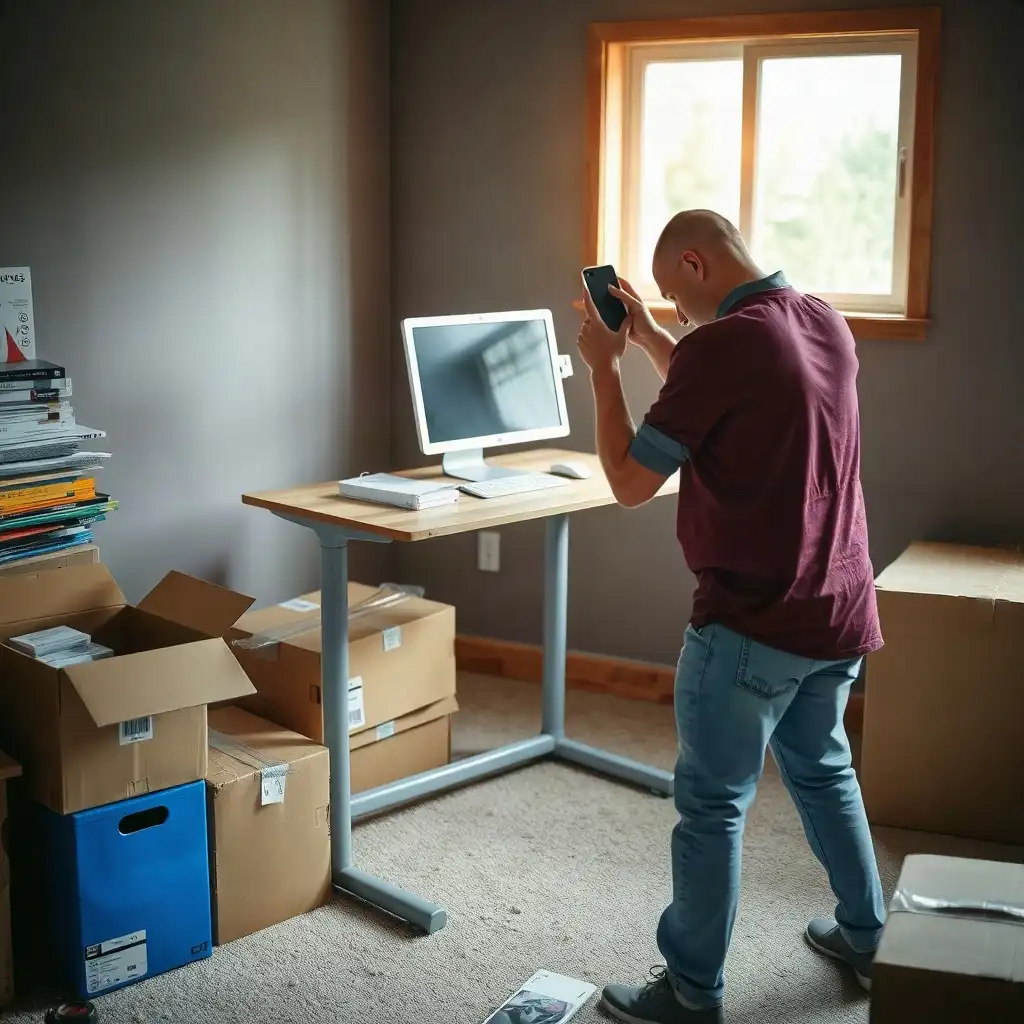
To move a standing desk safely, prepare for transport and reassembly. First, unplug all electronic parts and remove accessories like monitors and keyboard trays to lighten the load and protect delicate items. Check the manufacturer’s manual for disassembly steps, labeling each piece for easy reassembly. Wrap parts in moving blankets or bubble wrap to avoid scratches and gather screws and small hardware into labeled bags. Pack everything securely into strong boxes, placing heavier items at the bottom for stability during transit. This ensures a smooth move to your new workspace.
Consult Your Desk's Manual
Before starting the moving process, check your standing desk’s manual. This guide will help you prepare. Each model has specific details and recommendations from its manufacturer that affect how to disassemble and pack it. Familiarize yourself with instructions about weight limits, height adjustments, or hazards related to electrical parts.
If you have questions, like what to do after a power loss or how to remove certain components, this is where you’ll find answers. Take notes while reading; writing down important points will assist when you’re surrounded by moving boxes and furniture later on. Planning at this stage helps ensure nothing gets missed, making the transition smoother for you and your workspace setup!
Secure Loose Components
Before moving, secure any loose parts on your standing desk. Remove accessories like monitors, keyboard trays, and cable management systems to lighten the load and protect them during transport. If your desk has removable pieces like shelves or drawers, take those off too, this simplifies packing and keeps everything organized.
Secure small items that might get lost during the move. Collect screws, bolts, or other hardware in a labeled zip-top bag for easy retrieval when reassembling. Use tape or rubber bands to bundle cords and cables neatly; this reduces tangling and simplifies setup at your new location. These steps ensure every part of your standing desk is accounted for, making the move less stressful.
The Pros & Cons of Moving a Standing Desk
Pros
-
Many standing desks can be taken apart, which makes them easier to transport.
-
Preparing properly helps avoid damaging parts during the move.
-
Following the manufacturer's instructions ensures safe handling and assembly.
-
A well-planned route reduces the chances of getting stuck in tight spots.
-
Keeping hardware organized makes reassembly at your new place simpler.
Cons
-
Disassembling some standing desks can be tricky and may lead to damage if not done carefully.
-
If manuals are missing or unclear, moving the desk becomes more complicated.
-
Each desk model has its own requirements, which means you need specific knowledge for handling them.
-
Different models have varying weights, so careful planning is essential for lifting and transport.
-
When disassembling and moving electrical components, you should take extra precautions.
Assess Need for Disassembly
Now that you’ve secured loose components, determine if you need to disassemble your standing desk. Consider its size and weight. If it feels bulky or hard to handle, partial disassembly may help. Check the manual for advice on which parts you can safely remove without affecting stability or function during transport. Removal methods differ by design; do not assume the desk has quick-release parts.
If your model is difficult to take apart, weigh the benefits of disassembly against keeping it whole. Consider whether narrow doorways or tight corners could complicate moving an assembled unit; if so, disassembling may prevent future hassles.
Another important consideration is safety: ensure none of the electrical components are damaged during transport. Assessing these factors will help you move smoothly while protecting yourself and your workspace equipment.
Prepare for Partial Disassembly
Once you’ve determined if disassembly is necessary, prepare for the process. Gather the right tools; usually, a screwdriver or Allen wrench will suffice. Check your desk’s manual to see which parts can be safely removed without risking damage during transport. For many standing desks, it’s best to remove the desktop from the frame to make it lighter and easier to handle.
Before loosening any screws or bolts, clear away clutter in your workspace. A clean area prevents accidents and makes locating small pieces easier for reassembly. As you disassemble, carefully follow each step in the manual and treat every piece with care to avoid damage. Use labeled containers or bags for hardware items to prevent them from getting lost. Use desk inspection steps as a starting point when planning regular cleaning and inspection.
Document this phase by taking pictures along the way. Photos of how everything fits together will make reassembly at your new location easier. With these preparations, you’re ready for an effective and secure packing process for your standing desk.
Essential Steps for Desk Relocation Success
| Preparation Step | Description | Importance | Additional Considerations |
|---|---|---|---|
| Consult the Manual | Review the standing desk’s manual for specific instructions related to moving. | Ensures compliance with manufacturer guidelines | Manuals often contain disassembly tips. |
| Secure Loose Components | Check for and secure any loose components, such as screws or accessories. | Prevents damage during transport | Use tape or small bags to keep parts organized. |
| Decide on Partial Disassembly | Determine if partial disassembly is necessary for safe transport. | Reduces weight and risk of damage | Refer to the manual for guidance on disassembly. |
| Clear the Area | Ensure the area around the desk is clear before attempting to move it. | Minimizes hazards and accidents | Move other furniture out of the way. |
| Protect Surfaces | Use moving blankets or bubble wrap to protect surfaces from scratches during the move. | Maintains the desk’s condition | Focus on edges and corners where damage is likely. |
| Plan for Cable Management | Organize and secure cables to prevent tangling or damage during the move. | Facilitates easier setup at the new location | Label cables for easy reconnection. |
| Check the Desk’s Own Weight | Remove equipment, then check the desk’s own assembled weight and the weights of any separated components. | Ensures safety when lifting and moving | The desktop load rating is not the desk’s own weight or permission to move it while loaded. |
| Enlist Help | Consider getting assistance from others when moving a heavy standing desk. | Reduces strain and potential injury | A team can manage awkward angles better. |
Packing Your Standing Desk
As you prepare to pack your standing desk, focus on keeping everything safe and organized. Collect all disassembled parts in one spot for easier handling. Use moving blankets, bubble wrap, or old towels for cushioning around the desktop and frame pieces to absorb shocks during transport and prevent scratches. Store smaller items like screws or brackets in labeled bags for easy access when reassembling.
When handling electrical components like control boxes or motors, take extra care. Wrap these separately with protective material and secure them in a box marked as fragile to protect sensitive electronics from damage during the move.
Cable Management
Don’t overlook cable management! If you’ve unplugged any cables, bundle them neatly using ties or clips before placing them in a bag with related hardware components. Staying organized now will simplify installation later at your new place.
Packing Tips
load everything into sturdy moving boxes, put heavier items at the bottom for stability and lighter ones on top. Aim for balance within your loaded vehicle; evenly distributed weight helps reduce strain on both furniture and driving conditions. With these packing strategies sorted out, safely transporting everything is just ahead! Over time, monitor signs of wear and follow the maker’s inspection and maintenance schedule.
Transporting the Standing Desk Safely
Moving your standing desk can be smooth with proper planning. Start by securely packing all parts to protect them during the move. If using a moving truck, lay larger pieces, like the desktop and frame, on soft padding or blankets to cushion them against road bumps. Arrange heavier items closer to the ground to reduce movement and maintain stability.
As you load your vehicle, ensure no loose items can slide around during transport. Secure larger furniture with straps or ropes to prevent shifting while driving. This protects your standing desk and minimizes potential damage to other belongings.
If possible, have someone ready at both ends of the move; an extra pair of hands is helpful when unloading. When you arrive at your new location, carefully remove each item, considering its fragility, before placing it in your new home office setup. By taking these steps during transport, you’ll be ready to reassemble your workspace exactly where you want it!
Unveiling Secrets of Standing Desk Relocation
-
Many standing desks can be disassembled for moving, but this depends on the design and manufacturer instructions. Check the desk’s manual to see which parts can be removed.
-
The weight of standing desks varies based on the frame, desktop, controls, and accessories. Manufacturers provide detailed weight information for each part, aiding transport planning.
-
Some desks have powered components that require special care during a move. Electric desks may have specific steps for disconnecting power or managing controls; confirm these in the manufacturer's manual.
-
Before moving your desk, secure or remove loose items and accessories. Check for parts that might swing or slide during transport, like monitor arms that add weight and leverage.
-
Preparing to move a standing desk involves more than disassembly; you also need to plan your transport route. Measure doorways and tight spaces against your desk's dimensions to ensure smooth relocation.
Reassemble at the New Location
Upon reaching your new place, carefully reassemble your standing desk. Lay out all the parts in a clear area for easy access. Check the manual for specific instructions that match your model; this will guide you through the assembly process. Before starting, ensure that no parts are damaged or missing; confirming every piece is present helps set a solid foundation for reassembly.
Major Structural Pieces
Begin by attaching the major structural pieces first, usually securing the frame and then adding the desktop. If you took photos while disassembling it, now’s a great time to refer to those images! They’ll remind you how everything fits together smoothly.
Connecting Electrical Components
When connecting electrical components like motors or control boxes, handle them with care and follow safety precautions from your manual; attention is important since these elements often require precise placement and secure attachment points. As each section comes together, you’ll feel more confident about creating an efficient workspace once again!
Ensuring a Smooth Move
Please provide the article section you would like me to rewrite.
FAQ
What should I check in the desk manual before disassembling my standing desk?
Check the desk manual for guidance on which parts to remove, handling instructions, and safe transport steps.
How can I determine if partial disassembly is necessary for my standing desk?
Check the manufacturer’s manual for instructions on disassembly and measure the desk against your planned moving route.
What steps should I take to secure loose components and accessories before moving?
Remove any unattached items and follow the manufacturer’s guidelines for securing or detaching all components during a move.
How do I handle the cables connected to powered controls on my standing desk?
Organize the cables of your standing desk to prevent them from becoming tight, caught, or pinched during movement.
What factors affect the weight of my standing desk, and how can I find this information?
The weight of a standing desk varies by components; check the product documentation or contact the manufacturer for specifics.
What precautions should I take when preparing a motorized versus a hand-operated standing desk?
Check the manufacturer’s manual for specific instructions on setting up motorized standing desks and ensure all parts are securely attached for hand-operated models.