
How to Clean a Standing Desk Desktop Without Damaging the Finish
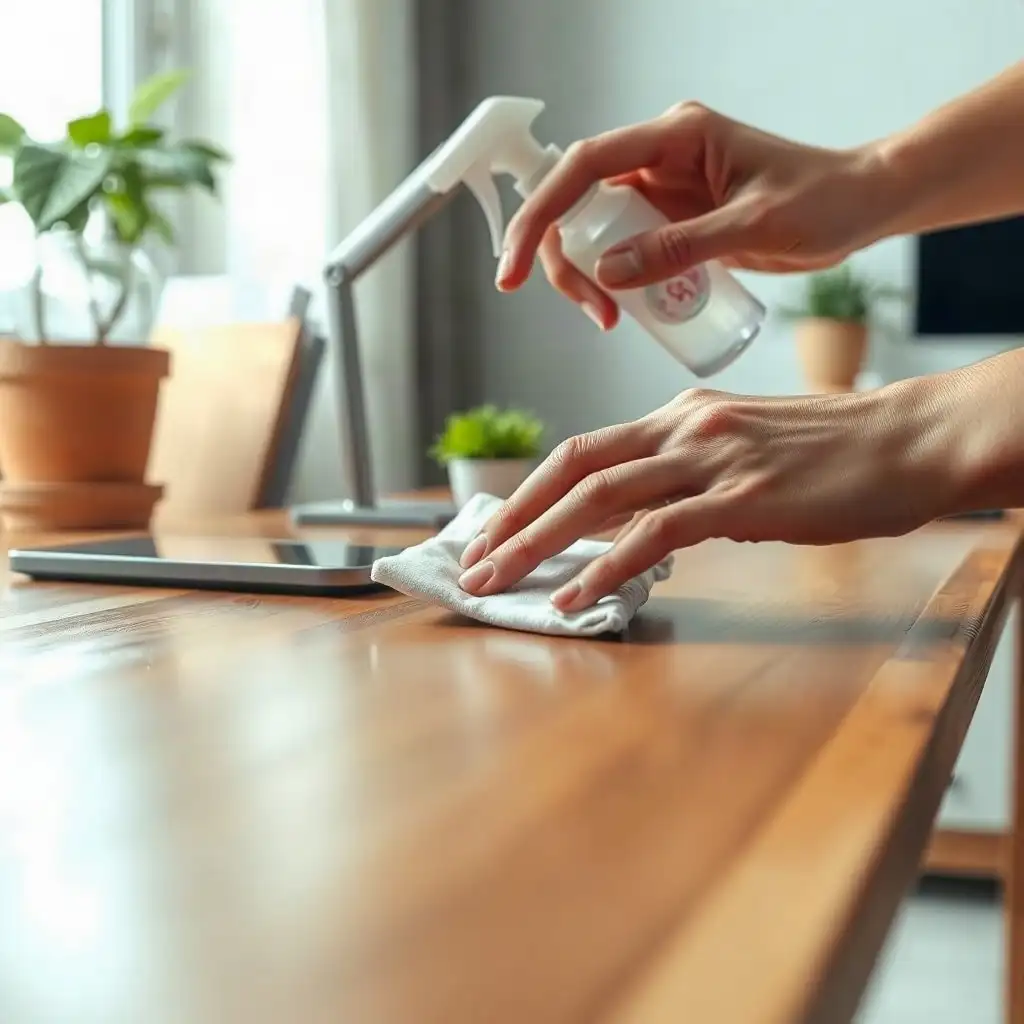
Start by checking the desktop finish’s care instructions. If they permit mild soap and water, use a soft cloth lightly dampened with that solution; avoid soaking the surface. After cleaning, dry the surface completely to prevent moisture from entering seams or joints. Knowing your desktop’s finish, laminate, finished wood, or bamboo, will help you choose the right cleaning methods.
Understanding Your Desk Finish
Each standing desk surface has a unique finish that requires special care. Understanding these finishes is crucial for effective cleaning without damaging appearance or quality. Laminate surfaces resist scratches and spills but can be harmed by strong cleaners. Finished wood looks appealing but needs gentler treatment to maintain its gloss and prevent wear.
Bamboo Desktops
Bamboo desks combine durability with style. While bamboo resists moisture, excessive water exposure during cleaning can cause warping over time. Knowing how each material reacts with various substances will help plan your cleaning approach, this includes selecting the right products and determining maintenance frequency.
Always check the manufacturer’s instructions specific to your desktop’s finish for best results. They may recommend suitable cleaners or techniques for their materials. Using an incompatible product could dull the surface or lead to permanent damage, something to avoid after investing in quality furniture.
Watch for minor signs of wear, as they may indicate deeper issues requiring more than regular upkeep. If you notice discoloration or changes in texture, refrain from applying more cleaners until you identify the cause, this careful approach saves time and effort while keeping your workspace looking good.
Preparation Before Cleaning
Before cleaning, gather supplies and set up your workspace. Clear clutter from the desk to facilitate cleaning and avoid damaging personal items. Inspect for crumbs, dust, or debris in corners or under monitors and keyboards. This step ensures all areas are covered effectively.
Ensure you have everything needed before beginning: a soft cloth for delicate surfaces (microfiber works well), distilled water if possible, and mild soap for furniture care. If tackling stubborn stains or grime, check the manufacturer’s recommendations for suitable products for your desktop’s finish. Preparation is key to successful maintenance, allowing confident handling of each material while preserving its unique features through careful techniques.
The Pros & Cons of Safe Desk Cleaning
Pros
-
Following the manufacturer's instructions helps you avoid damaging the desktop finish.
-
Using gentle cleaning methods keeps materials like laminate, finished wood, and bamboo in good shape.
-
Dusting with a soft cloth reduces the chance of scratching surfaces.
-
Taking a careful approach allows you to remove grime effectively without using harsh chemicals.
-
Keeping moisture away from controls can prevent potential electrical problems.
-
Checking product-specific guidelines ensures proper care for different finishes.
Cons
-
Misidentifying the material of your desk can lead to using the wrong cleaning methods, which may cause damage.
-
If you don’t know much about different finishes, you might end up using products that aren’t suitable.
-
Cleaning with strong solvents or abrasive materials can seriously scratch and ruin surfaces.
-
Ignoring care instructions could void warranties or harm your desk in the long run.
-
Stubborn stains might need professional help if you're unsure about what the manufacturer advises.
-
Using too much moisture can jeopardize electronic parts, potentially causing them to fail.
Cleaning Laminate Desktops
When cleaning laminate desktops, utilize their durability while keeping the surface looking good. Start by using a soft microfiber cloth to dust and remove loose particles that could scratch during wet cleaning. This step helps maintain your desk without causing damage.
Use mild dish soap and water only if the finish-care instructions permit it; start with a dry cloth for loose dust.
Dampen your cloth in this soapy mixture, ensuring it’s not soaking wet; excess moisture can seep into seams or edges, harming the laminate over time. Wipe down the desktop methodically: start at one edge and move across to avoid missed spots. For tougher areas with built-up dirt, apply some pressure while cleaning, but avoid scrubbing hard, as that could affect its appearance.
Once finished, quickly dry any remaining dampness on the surface with another clean cloth to maintain its sleek look and extend its lifespan.
Caring for Finished Wood Surfaces
When cleaning finished wood surfaces, adjust your approach. Start with a dry microfiber cloth to remove dust, this prevents scratches and maintains the finish. Mix warm water with a few drops of gentle soap for wooden furniture care. Dampen your cloth in this solution, ensuring it’s not too wet; just enough moisture will lift dirt without soaking the wood.
As you wipe down the surface, follow the grain of the wood. This enhances its natural beauty and prevents damage from scrubbing too hard. Pay attention to edges and seams where dirt builds up. After cleaning, use another soft cloth to buff away any leftover moisture, this is crucial as excess water can cause warping or discoloration over time.
Watch for signs like dullness or uneven texture; these may indicate a need for deeper care beyond regular cleaning. If these issues arise, consult your manufacturer’s recommendations for touch-up products specific to your desk’s finish, they often provide solutions designed to maintain their surfaces without compromising quality.
Safe Cleaning Tips for Desk Finishes
| Surface Type | Cleaning Method | Recommended Products | Cautions | Manufacturer Instructions Reference |
|---|---|---|---|---|
| Laminate | Dry dusting followed by damp cloth | Mild dish soap | Avoid harsh solvents and scrubbing | Refer to the laminate finish manufacturer’s guidelines |
| Finished Wood | Dry dusting, lightly dampened cloth | Specific wood cleaners | Do not use universal oiling methods | Check the finish manufacturer’s care instructions |
| Bamboo | Light dusting, slightly damp cloth | A cleaner approved for the desktop’s actual finish | Avoid abrasive materials | Follow bamboo finish manufacturer recommendations |
Maintaining Bamboo Desktops
Bamboo desktops require care to maintain their appearance and longevity. While bamboo is durable, controlling moisture during cleaning is crucial. Start by dusting the surface with a dry microfiber cloth to remove loose dirt without scratching the finish. For deeper cleaning, mix mild soap with distilled water, just enough to dampen your cloth without soaking it.
When cleaning, always wipe in the direction of the grain to preserve its appearance and minimize damage from scrubbing against the fibers. Pay attention to edges and joints where dirt can accumulate unnoticed. If stubborn stains persist after gentle wiping, consult your manufacturer for advice on specific products designed for bamboo finishes, they may recommend safe solutions that won’t harm your desk’s integrity.
Drying
After cleaning, promptly dry any leftover moisture with another soft cloth; leaving wetness can cause warping or distortion. Regularly check your desktop for signs of wear like fading or texture changes, these indicate it’s time for thorough maintenance rather than routine cleaning. By proactively caring for your bamboo surface, you’ll preserve its beauty and functionality for years to come.
Protecting Controls From Moisture
Moisture can be a standing desk’s worst enemy, especially regarding the controls that adjust its height. These components are sensitive and may fail if they get wet during cleaning or from nearby spills. To protect them, cover them completely before surface cleaning, using tape or protective covers works well.
When cleaning your desktop, use damp cloths carefully; don’t soak them completely since water can seep underneath buttons or into electrical connections over time. If moisture reaches these areas, wipe it away immediately with a dry cloth.
Keep beverages away from your workspace; accidents happen easily in busy environments. Small changes like using coasters or designated drink holders will help reduce the risk of spills near important control interfaces.
After cleaning sessions, check the area around the controls for signs of wear that might indicate deeper issues needing attention, this proactive approach enhances functionality and prolongs the lifespan of both your hardware and overall desk setup.
Cleaning Secrets for a Pristine Desk Finish
-
Finished wood desktops require special care based on their coating or seal. Follow the manufacturer’s instructions for the specific finish.
-
Only use oil or polish on bamboo desktops if the manufacturer approves, as not all finishes can handle them.
-
Care for laminate surfaces depends on the type and finish, so be cautious with solvents and abrasive pads.
-
A damp cloth may seem sufficient for cleaning, but too much moisture around controls and openings can cause problems.
-
Instead of using harsher cleaners for tough grime, check with the manufacturer first to protect your desktop's finish.
Post-cleaning Care Tips
After cleaning your standing desk, follow a few tips to keep it looking good. First, check the desktop for moisture or streaks. Buff these with a soft, dry cloth for a polished finish. Regularly inspect for scratches or signs of wear; these indicate areas needing attention beyond normal upkeep.
If you find imperfections, use touch-up products recommended by your manufacturer for your desk’s finish to prevent small issues from escalating.
Monitor Sunlight Exposure
Keep an eye on how sunlight affects your workspace over time since extended exposure might lead to discoloration on certain finishes. To avoid this problem, think about moving items around occasionally or using mats under frequently used objects to spread out pressure points and reduce uneven wear patterns.
Keep Your Workspace Organized
maintain an organized surface free from clutter, a neat workspace boosts productivity and makes future cleanings faster while also protecting against damage caused by too much weight in one spot.
By following these practices after each cleaning session, you’ll help extend the life of both the appearance and function of your standing desk setup.
Manufacturer-specific Recommendations
Understanding your standing desk’s requirements is important for its care and maintenance. Manufacturers often provide guidelines tailored to their products’ finishes, which affect cleaning and upkeep. If you have a laminate desktop, check with the manufacturer about suitable cleaning agents that won’t damage the surface. Many brands recommend mild soaps designed for these materials; harsher cleaners may cause fading or deterioration. Use manufacturer care guidance as a starting point when planning regular cleaning and inspection.
Finished Wood Surfaces
Finished wood surfaces require careful attention as well. Refer to manufacturer recommendations on cleaners for wooden finishes, these can vary among brands. Suggestions may range from gentle dish soap solutions to specialized polishes that enhance shine without harming the wood grain. Following these guidelines helps maintain cleanliness while preserving appearance over time.
Bamboo Desktops
bamboo desktops need special consideration due to their unique properties. Each brand may provide different instructions regarding moisture control and recommended cleaning techniques specific to bamboo’s fibers; this is crucial for long-term durability against warping or other issues caused by excess moisture during routine care. Regularly checking this guidance will keep your workspace looking neat while ensuring it functions effectively throughout its lifespan.
Effective Desk Maintenance Practices
To keep your standing desk in top shape, follow some simple steps to help it last longer and look good. Start by setting up a regular cleaning routine, dust it weekly and deep clean once a month to prevent dirt buildup without damaging the finish. Use products made for your desktop material; for example, use mild soap solutions for laminate or finished wood as per manufacturer guidelines. Always begin with dry dusting to remove loose particles before applying any liquid cleaner.
Care After Cleaning
Be cautious when placing items back on your freshly cleaned surface; use coasters under drinks and mats under frequently used devices to reduce wear. Keeping your workspace tidy not only looks better but also simplifies future maintenance. Regularly check surfaces for damage like scratches or discoloration, addressing issues quickly can prevent them from worsening.
Environmental Considerations
consider how the environment affects your desk: keeping it out of direct sunlight helps avoid fading, while controlling humidity protects against warping or cracking in wooden finishes. By incorporating these strategies into your care routine, you’ll ensure your office space remains a lasting investment that stays functional and attractive throughout its life. Over time, monitor component wear patterns and follow the maker’s inspection and maintenance schedule.
FAQ
What should you do before cleaning your standing desk desktop?
Check the desk manual for specific care instructions before cleaning your standing desk desktop.
How can you safely remove dust from your standing desk surface?
To safely remove dust from a standing desk, use a soft, dry cloth to gently wipe the surface without abrasive materials.
What cleaning method is recommended for laminate desktops?
Dust laminate desktops with a dry cloth, or use a slightly dampened cloth; check manufacturer guidelines before using mild dish soap for tougher stains.
How do you care for finished wood desktops without damaging the finish?
Dust finished wood desktops dry, and if allowed, use a slightly damp cloth; avoid harsh solvents or unapproved oils.
What precautions should you take when cleaning around the controls of your standing desk?
Use a slightly damp cloth to clean around the standing desk controls, avoiding direct spray on the desktop to prevent liquid from entering openings or seams.