
How to Choose Standing Desk Dimensions for Your Work Setup
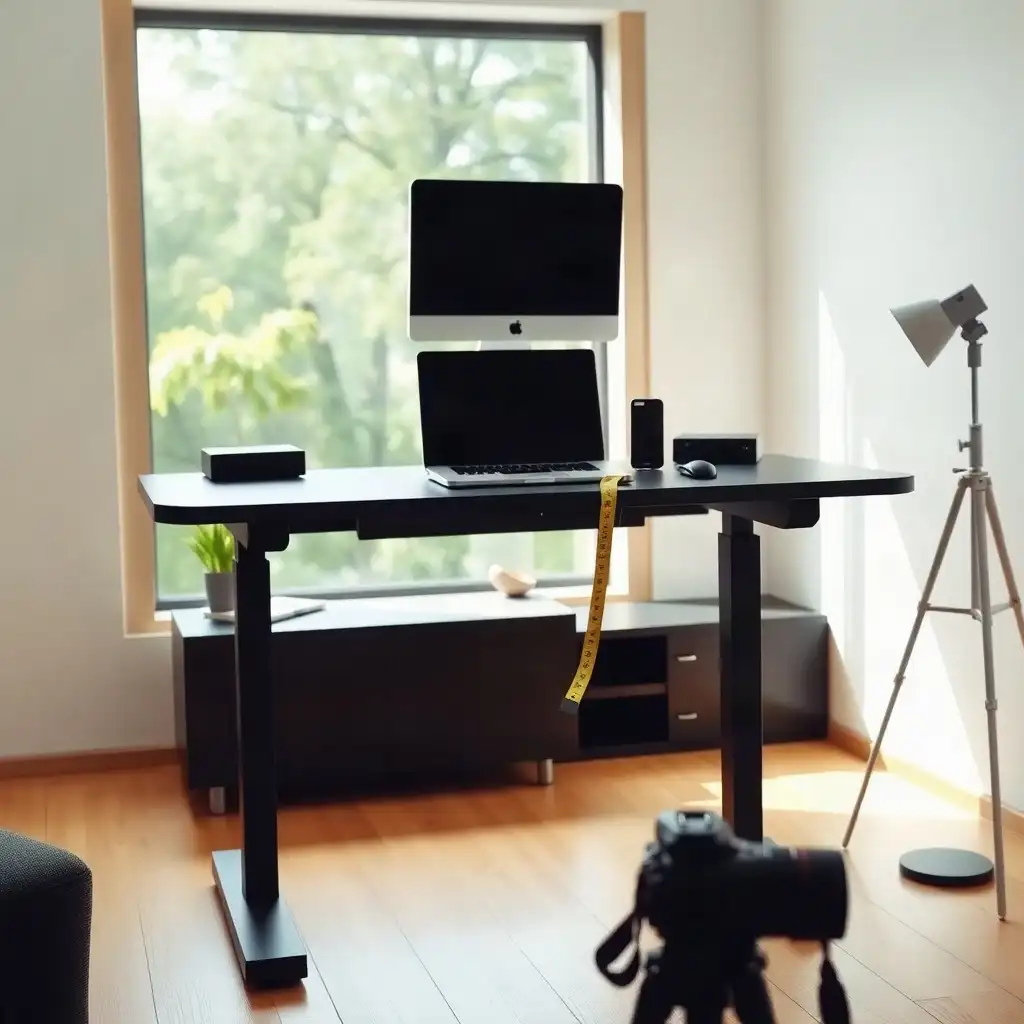
Choosing the right size for a standing desk is crucial for comfort and productivity. Choose width and depth around your actual equipment and working reach, then check the desk’s height range separately against your seated and standing positions. Consider the space needed for monitors, keyboards, and other tools to keep everything organized. By assessing your height, equipment needs, and workspace layout, you can create an ergonomic setup that supports your well-being throughout the workday.
Understanding Standing Desk Dimensions
To choose the right dimensions for a standing desk, consider your height and the tools you use. Measure your height; ideally, the desktop should be at elbow height when standing to maintain good posture. Personal preferences and specific tasks may influence this.
Consider the devices you’ll use, like monitors or laptops, and ensure there’s enough space for them without cluttering your workspace. A smart layout boosts comfort and efficiency during work hours. Understanding these factors helps create an ergonomic workspace that fits your needs.
Evaluating Your Work Equipment Needs
To choose the right size for your standing desk, consider your work needs. List the tools essential for your tasks, like a monitor setup, multiple devices, or office supplies. Each item requires space, so ensure the desktop accommodates everything without clutter. Think about how often you’ll switch between sitting and standing. A tidy workspace boosts comfort and enhances productivity and focus. By assessing your regular usage, you create a comfortable setup that improves efficiency and enjoyment in your daily activities.
The Pros & Cons of Desk Dimension Choices
Pros
-
Having enough width makes it easier to organize equipment and work materials, which helps keep things moving smoothly.
-
Enough depth gives you the space needed for both tools and ongoing tasks, helping to minimize mess.
-
Tailoring dimensions to fit specific needs boosts overall productivity and comfort while working.
-
Thoughtful storage planning avoids cluttering your desktop, creating a more effective workspace.
Cons
-
If you focus only on width, you might miss out on depth, which can hurt how usable the space is.
-
Misestimating the usable surface area could lead to a cramped workspace even if the dimensions seem fine.
-
Not considering accessory needs can reduce how effective your desk setup is.
-
Ignoring what manufacturers specify may cause compatibility problems with equipment and accessories.
Determining Ideal Desk Width
When determining the best width for your standing desk, consider the space needed for your work gear. Account for monitors, laptops, keyboards, and personal items like plants or photos. Measure the combined width and footprint of your monitors, stands or arms; there is no single required width per monitor. If you frequently switch tasks or use multiple devices, a wider surface can enhance comfort and productivity.
Workspace Preference
Also consider whether you prefer a tidy workspace or one filled with tools. If you thrive in organized chaos but need easy access to notebooks or pens, extra width may help. A desk that’s too narrow can hinder reach and negatively impact posture and focus during long hours of work. Finding the right balance between functionality and comfort will ensure your workspace meets every task while maintaining ergonomic principles throughout the day.
Assessing Desk Depth Requirements
As you consider the depth of your standing desk, think about how far back you’ll need to reach for your gear and materials. A deeper workspace provides room for monitors, keyboards, notebooks, and other tools that streamline your work process. Check the space taken by your screen or stand, keyboard and work materials; the depth you need depends on that arrangement and comfortable viewing distance. This extra space can reduce strain on your arms and shoulders as you work.
Consider what distance feels comfortable when grabbing different items, this will help you choose the right depth based on your habits. If you often switch between equipment or have specific needs like document holders or planners nearby, ensure there’s enough surface area to stay organized without feeling cluttered. Selecting the right desk depth significantly impacts comfort and efficiency in your daily routine.
Perfect Fit: Desk Dimensions Decoded
| Check | What to Measure or Test |
|---|---|
| Desktop width | Measure the combined width of your equipment and leave usable room for the tasks you do. |
| Desktop depth | Account for monitor stands or arms, keyboard placement and comfortable viewing distance. |
| Usable surface | Mark out the proposed surface with paper or tape and arrange your actual equipment before buying. |
| Storage and clearance | Keep chair, knee and moving-frame clearance separate from the equipment footprint. |
| Frame compatibility | Confirm approved desktop dimensions, mounting requirements and rated loads in the exact manufacturer documentation. |
Maximizing Usable Surface Area
To make the most of your standing desk, create a functional and tidy workspace. Consider your daily tasks: what tools do you need close at hand? This might include your laptop, important documents, or decorative items that keep you motivated. A well-organized desktop should accommodate these items without clutter. Aim for an arrangement where everything has a designated spot; this makes it easier to work and improves focus as you switch between activities.
Arrangement of Equipment
Think about how to arrange your equipment, using vertical space can free up horizontal area. Monitor arms are effective for lifting screens higher, allowing you to use the space underneath for essentials like notebooks or pens. If managing several devices or frequently switching projects, ensure there’s enough surface area to keep everything organized and within reach. Good organization enhances comfort; optimizing this part of your standing desk boosts productivity and satisfaction throughout your workday. When planning the desktop, account for equipment layout and leave room for everyday tasks.
Incorporating Storage Solutions
To create a functional workspace, you need storage solutions to keep your standing desk organized. Add drawers or shelves under the desktop to hold office supplies, reference materials, or personal items without cluttering the surface. Vertical storage options like wall-mounted shelves can free up desk space while keeping frequently used items accessible. Consider how often you use specific tools; having essential items nearby boosts efficiency and comfort during long work sessions.
Streamlining Your Workflow
Also, consider whether certain accessories could simplify your workflow. File organizers can keep important documents neat and within reach, avoiding distractions from loose papers. If you’re using multiple monitors or devices regularly, ensure there’s enough room for necessary cables and equipment to maintain an efficient setup without tangling wires or interrupting movement.
Enhancing Ergonomics
In the end, well-chosen storage solutions improve usability and contribute significantly to an ergonomic experience tailored to your needs, allowing you to focus on what matters: getting the job done effectively while staying comfortable throughout each working hour.
Exploring Myths and Facts of Desk Dimensions
-
Many people think wider desks provide more usable workspace, but desk depth is also important for fitting equipment and materials.
-
A common misconception is that everything used at a desk must stay on the surface; rarely-used items can often be stored elsewhere to free up workspace.
-
Some believe checking only a desk's dimensions is enough; yet, it's crucial to look at the manufacturer's specifications for rated capacity and accessory compatibility.
-
People often assume desktop size alone determines usability; actually, how you arrange your equipment and materials significantly affects workspace functionality.
-
Many think any standing desk can handle different accessories easily; yet, specific mounting requirements and limits vary by model and should be confirmed with the manufacturer.
Considering Height Adjustment Mechanisms
Adjustable height mechanisms are essential for standing desks, allowing customization based on height and comfort. Decide between motorized options and manual adjustments; each has benefits depending on how often you change positions. Motorized desks offer smoother transitions with preset heights, useful for those who frequently switch between sitting and standing. Ensure the model meets your needs, different brands have unique features like load capacities or adjustment ranges that affect usability.
Installation Space
Check the manufacturer’s specifications regarding installation space, as some models require more clearance than others when changing heights. Also, consider stability at various heights; a well-designed desk should remain sturdy whether set low or high without wobbling under normal office weight.
Cable Management
Cable management is important; consider how cords will move with the desktop as it adjusts to prevent wear from tugging or snagging while keeping everything organized.
Testing Setups
If possible, try out different setups before purchasing: adjusting demo units in showrooms can help determine what feels comfortable for your workflow and body mechanics. By carefully considering these factors now, you’re establishing a flexible workspace that adapts easily to your needs.
Practical Checks Before Purchase
As you choose your standing desk, conduct practical checks to ensure the dimensions fit your workspace and lifestyle. Start by assessing the requirements for your daily equipment, including monitors, keyboards, mice, and other essential tools. Ensure these items fit comfortably without feeling cramped, measuring is key. Note how much space each piece occupies when arranged together; an organized setup reduces distractions and enhances focus.
###
consider any special features or accessories you might need with your main setup. If you plan to add monitor arms or document holders, include their size in your calculations. Also, think about future needs: if you intend to add more devices later or adjust based on projects, a flexible arrangement allows for easy adaptation.
###
pay attention to stability during adjustments, check reviews for comments about wobbling at different heights, as this could affect usability over time. Each manufacturer may have different guidelines regarding load capacities and installation space; familiarize yourself with these before making a final decision to ensure functionality and comfort once set up at home or in an office.
Personal Preferences and Work Habits
Your work habits and preferences are key in determining the right size for your standing desk. Consider how you use your workspace: do you prefer multiple monitors or a tidy setup? These details can guide your choices. If you frequently switch tasks, a wider surface may help by providing easy access to everything without sacrificing comfort. Also, think about how often you’ll alternate between sitting and standing, this impacts not only the desk size but also its height settings and overall design.
Ergonomic Considerations
Consider any specific ergonomic needs that arise from using certain devices for long periods. If you often look at documents while typing or need quick access to writing tools during calls, ensure everything is within reach to avoid awkward stretching or discomfort. Balancing functionality with personal comfort is essential; an effective workspace should meet both productivity needs and individual comfort as they evolve. Keeping these factors in mind will help you choose dimensions that align with your daily activities.
Choosing the Right Dimensions
Choosing the right dimensions for your standing desk requires balancing functionality and comfort. Start by picturing your workspace and how you use monitors, keyboards, and other equipment. Your daily tasks will determine what items you need close by and how much space each takes up. If you work best with everything within reach, perhaps using multiple screens or devices, you might need a larger surface area to stay organized.
When considering depth, think about how far back you’ll stretch to grab materials while working. A deeper desk provides room for technology and personal items that boost productivity without cluttering your workspace. Look for dimensions that allow comfortable access to everything within arm’s length; this prevents strain during long hours at your desk. Aligning these needs with ergonomic principles helps create a work environment that improves efficiency and well-being throughout the day.
FAQ
What items should I consider when assessing the dimensions of my standing desk?
Consider the size of your standing desk based on daily items like laptops, monitors, and keyboards to ensure sufficient workspace.
How do width and depth affect the usability of my workspace?
Width and depth significantly affect workspace usability by determining how equipment and materials fit, impacting arrangement and available task space.
What steps can I take to ensure I have enough usable surface area for my tasks?
Check your arrangement of frequently used items to ensure your desk has enough space for both equipment and materials.
Why is it important to check manufacturer specifications for my standing desk and accessories?
Checking the manufacturer’s specifications for a standing desk and its accessories ensures compatibility, safety, and optimal performance since different models have unique requirements.