
How to Set Standing Desk Height for Sitting and Standing
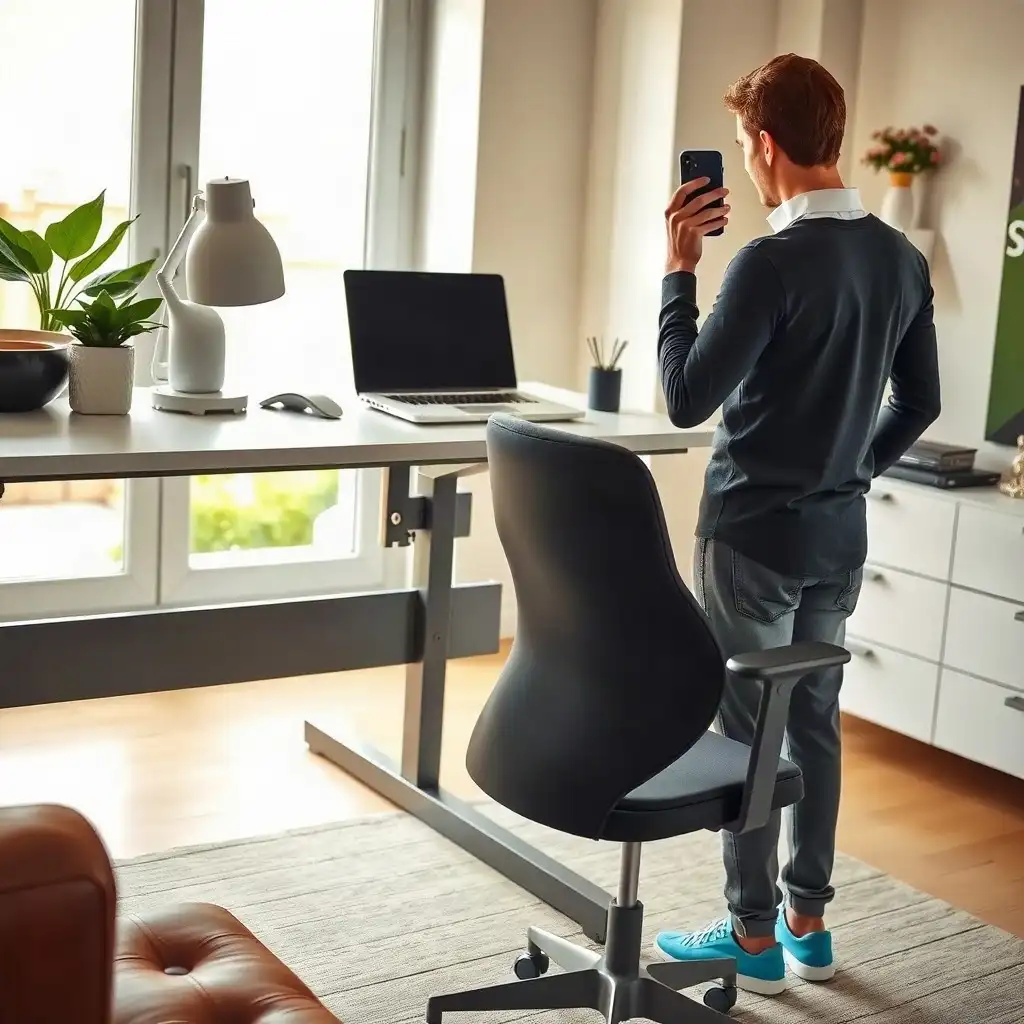
Getting the height right on your standing desk is key for comfort and productivity. When sitting, keep your elbows at a 90-degree angle while typing, with feet flat on the floor and thighs parallel. When standing, raise the desk to elbow level. This allows arms to hang naturally by your sides, keeping wrists aligned and reducing strain. Adjusting these heights according to your preference creates an ergonomic workspace that benefits health and efficiency.
Understanding Desk Height Basics
Getting the desk height just right creates a comfortable and productive workspace. Start by considering how your body sits. When in a chair, ensure your thighs are parallel to the ground or slightly sloping downwards, with your feet flat on the floor. Your arms should hang comfortably at your sides, creating an elbow angle close to 90 degrees when reaching for the keyboard or mouse. This setup helps reduce strain on your shoulders and wrists.
Standing Mode
As you switch to standing, adjust the desk so it aligns with your elbows. Aim for a position that keeps them relaxed, avoiding heights that are too high or too low. This small adjustment can significantly maintain proper wrist alignment during use, preventing discomfort as you alternate between sitting and standing throughout the day. These adjustments boost comfort and improve productivity across different work situations.
Determining Your Ideal Sitting Height
Finding the right sitting height for your desk is crucial for a comfortable and productive workspace. Adjust your chair so your feet are flat on the floor, with your knees at about a 90-degree angle. Your thighs should be parallel to or slightly sloping down, allowing good blood flow without pinching nerves. When you place your hands on the keyboard, they should hover just above it, with elbows bent at around 90 degrees to reduce strain during long work hours. Before buying, compare the desk’s manufacturer height limits with the seated and standing heights you need.
As you settle in, notice how adjustments can improve comfort. If you feel discomfort after typing or using a mouse, make small changes like raising or lowering your seat until everything aligns correctly. The goal is to maintain an ergonomic setup that supports better posture throughout your tasks. A well-adjusted sitting position facilitates dynamic movements when switching between standing and seated work modes effectively.
The Pros & Cons of Desk Height Adjustments
Pros
-
Adjustable desk heights help you maintain a good posture, lowering the chances of discomfort or injury.
-
Customization fits your body shape and size, boosting your comfort while you work.
-
Switching between sitting and standing keeps you moving, which can enhance your productivity.
-
Making regular adjustments can help reduce tiredness from staying in one position for too long.
Cons
-
Making frequent adjustments can take up time and interrupt your workflow.
-
Some desks don’t have smooth adjustment mechanisms, which might lead to frustration during setup.
-
If you don’t regularly check height settings, improper adjustments can still cause poor posture.
-
The initial costs for height-adjustable desks may be higher than those of traditional fixed-height options.
Finding Your Optimal Standing Height
Adjusting your standing desk to the right height can improve comfort and productivity. Start by setting the desk so it aligns with your elbows while standing straight. Let your arms hang naturally at your sides, creating a gentle angle, ideally around 90 degrees or slightly less, to avoid straining forward or letting them droop. This setup keeps your wrists aligned and reduces tiredness during long work sessions.
As you get used to this height, pay attention to how it feels throughout the day. You might need to make small adjustments as you adapt to standing while working; don’t hesitate to tweak things! Aim for an ergonomic arrangement where monitor placement, keyboard access, and overall posture feel comfortable rather than forced. This mindful approach will help prevent discomfort over time as you switch between sitting and standing during work hours.
Adjusting Your Desk for Comfort
Finding the right setup for your standing desk involves adjustments that fit your comfort and work style. Place your feet flat on the ground, spreading your weight evenly across both legs. Adjust the desk height so your arms are relaxed at your sides with a slight bend in your elbows, aim for around 90 degrees. This positioning improves posture and reduces fatigue.
As you try this setup, note how it affects your comfort and engagement with tasks. If standing becomes uncomfortable, make small tweaks; even half an inch can change arm positioning and ease typing or mouse use. Check your monitor’s position; ideally, its top edge should be at eye level to avoid leaning forward or looking up too much.
Remember: small changes can significantly enhance your experience! As you adjust to switching between sitting and standing throughout the day, embrace these modifications, they’re essential for creating an ergonomic workspace tailored for you!
Optimal Desk Heights for Comfort and Productivity
| Setup check | Seated position | Standing position |
|---|---|---|
| Start with your body position | Adjust the chair with your feet supported and room for your legs. | Stand comfortably in the footwear you normally use at the desk. |
| Set the typing height | Bring the keyboard to a height where your shoulders stay relaxed and your wrists align with your forearms. | Adjust the work surface to keep your elbows near your sides without reaching upward or hunching. |
| Check the screen separately | Position the screen for comfortable viewing without leaning or lifting your chin. | Recheck screen height and viewing distance after raising the desk. |
| Verify the desk range | Check that the finished desktop can reach your comfortable seated working height. | Check that the finished desktop can reach your comfortable standing working height. |
| Refine the setting | Adjust for the chair, keyboard thickness and your own proportions. | Adjust for footwear, input devices and the task rather than using body height alone. |
How Body Height Affects Setup
Body height affects desk setup, influencing comfort and functionality. Taller individuals may require a higher desk to maintain optimal elbow angles while working. Shorter individuals may need adjustments to bring the workspace closer for easier access. When seated, ensure thighs are parallel or slightly angled downward with feet flat on the floor to prevent pressure points. In standing mode, aim for an ergonomic setup with relaxed elbows at about 90 degrees.
For taller users, raising the desk can improve wrist alignment and reduce strain during prolonged typing or mouse use. For shorter users, check that the desk lowers enough for relaxed standing work. While seated, a footrest can support the feet if the chair must be raised to reach the keyboard comfortably. Adjusting based on height enhances physical well-being and supports productivity throughout the day!
Transitioning Between Sitting and Standing
Transitioning between sitting and standing is essential for a comfortable workspace, but it can be easy to forget while busy. When switching positions, adjust your posture each time. As you move from sitting to standing, ensure your desk height matches the natural bend of your elbows; this keeps them relaxed without reaching too high or hanging low. You should feel free and mobile as you type or work.
Take short breaks every 30 minutes if you’ve been sitting for too long, this helps reduce stiffness and improve blood flow. After being on your feet for a while, sit down when you start feeling tired; pay attention to how each position feels during different tasks. A good approach might involve switching between sitting and standing based on your activities: sit when concentrating on something that needs focus and stand during team discussions or phone calls.
Fine-tuning Your Setup
Don’t hesitate to adjust these settings over time; everyone’s ideal setup depends on their comfort levels and workload needs. Each transition provides an opportunity for physical relief and better mental focus, a change in position can boost creativity too! Moving around benefits both productivity and overall health in flexible working environments.
Exploring Desk Height Myths and Facts
-
Many people think one desk height works for everyone, but comfort depends on factors like body proportions, chair height, shoes, and the task.
-
A common myth is that adjusting desk height guarantees good ergonomics; yet, it's also important to keep shoulders relaxed, elbows close to sides, and wrists aligned whether sitting or standing.
-
Some believe taller individuals need higher desks; in reality, even people of the same height can have different leg, torso, and arm lengths, so personal adjustments are key for comfort.
-
There's a belief that once you set a desk height it won’t need changes; yet, shifts in footwear, chair position, or tasks may require reassessing desk height for comfort.
-
Many think considering desk height and monitor placement is the same; yet OSHA recommends treating screen setup separately by ensuring monitor heights are at or below eye level and positioned comfortably within viewing distance.
Common Mistakes to Avoid
As you improve your experience with a standing desk, recognize common mistakes that can affect comfort and productivity. A major mistake is improper monitor placement. If your screen isn’t at eye level, you may lean forward or strain your neck, leading to discomfort over time. The top edge of the monitor should align with your line of sight when standing straight; this helps maintain a relaxed posture while working.
Adjusting Desk Components
Another common error is not adjusting the desk height and other components like keyboard and mouse positions when switching between sitting and standing. Inconsistent setups put unnecessary strain on wrists and arms as you move from one position to another, leading to fatigue. Ensure all tools are within easy reach whether seated or upright to support an ergonomic stance throughout the day. Paying attention to these details boosts comfort levels and overall work efficiency.
Maintaining Ergonomic Practices
To maintain ergonomic practices effectively, consistency matters. Regularly check your desk setup to ensure it meets your comfort needs. Confirm that you’ve adjusted the height for both sitting and standing positions to prevent strain. Remember to take breaks every hour to stretch and change positions, small adjustments can improve how you feel over time.
Monitor Position
Pay attention to where your monitor is placed and how frequently you’re switching tasks. If you’re toggling between typing and taking calls, keep those movements smooth. If you notice yourself leaning forward while reviewing documents, adjust your chair or desk until everything feels comfortable. Making these small tweaks boosts comfort without interrupting your workflow.
Posture Reminders
Set up reminders for maintaining good posture: shoulders back, elbows close when seated, or standing tall with arms relaxed at a 90-degree angle when working upright. These cues help reinforce healthy habits that can enhance productivity during work sessions. By consistently applying these mindful practices, you’ll create an environment that supports physical health and mental clarity, key elements for succeeding in today’s flexible workplaces!
Achieving Comfort and Productivity
Your workspace is essential for comfort and productivity. Finding the right balance of sitting and standing requires consideration of your personal needs. Check how you feel in each position, do you notice any discomfort? If so, make adjustments by raising or lowering your desk or changing your chair height.
Minor changes can affect your movement during work hours. When standing, distribute your weight evenly on both feet and allow a slight bend at the knees to reduce fatigue. Pay attention to how long you stay in one position; switching regularly boosts circulation and can spark creativity while tackling challenging tasks.
Incorporating short stretches into your routine every hour can enhance this experience. Simple actions like rolling back your shoulders or stretching your arms overhead help maintain good posture and keep focus sharp during longer periods of concentrated work. Setting up an ergonomic space designed for you isn’t just about physical tweaks, it creates an environment where health and productivity blend effectively.
FAQ
What should I consider when adjusting my chair height for a comfortable seated position?
Set the chair height so your forearms reach the work surface comfortably while keeping your feet supported and legs clear under the desk.
How do I determine the right standing desk height for my body proportions?
Adjust your standing desk so your elbows are close to your body, shoulders relaxed, and wrists aligned while standing.
What are the signs that my desk setup might be incorrect?
Signs your desk setup may be off include raised shoulders, hunching, bent wrists, unsupported feet, leaning toward the screen, and discomfort in arms or back.
How often should I change between sitting and standing while working?
Switching between sitting and standing can enhance comfort and productivity, with OSHA recommending incorporating standing tasks while prioritizing comfort over a strict schedule.
Why is it important to keep my feet supported while seated at my desk?
Supporting your feet while sitting at a desk is crucial for good posture and reducing lower back strain.
How do I ensure my monitor is positioned correctly in relation to my desk height?
Place your monitor directly in front of you, with the top at or below eye level and a viewing distance of 20–40 inches.