
Planning a Replacement Desktop for a Standing Desk Frame
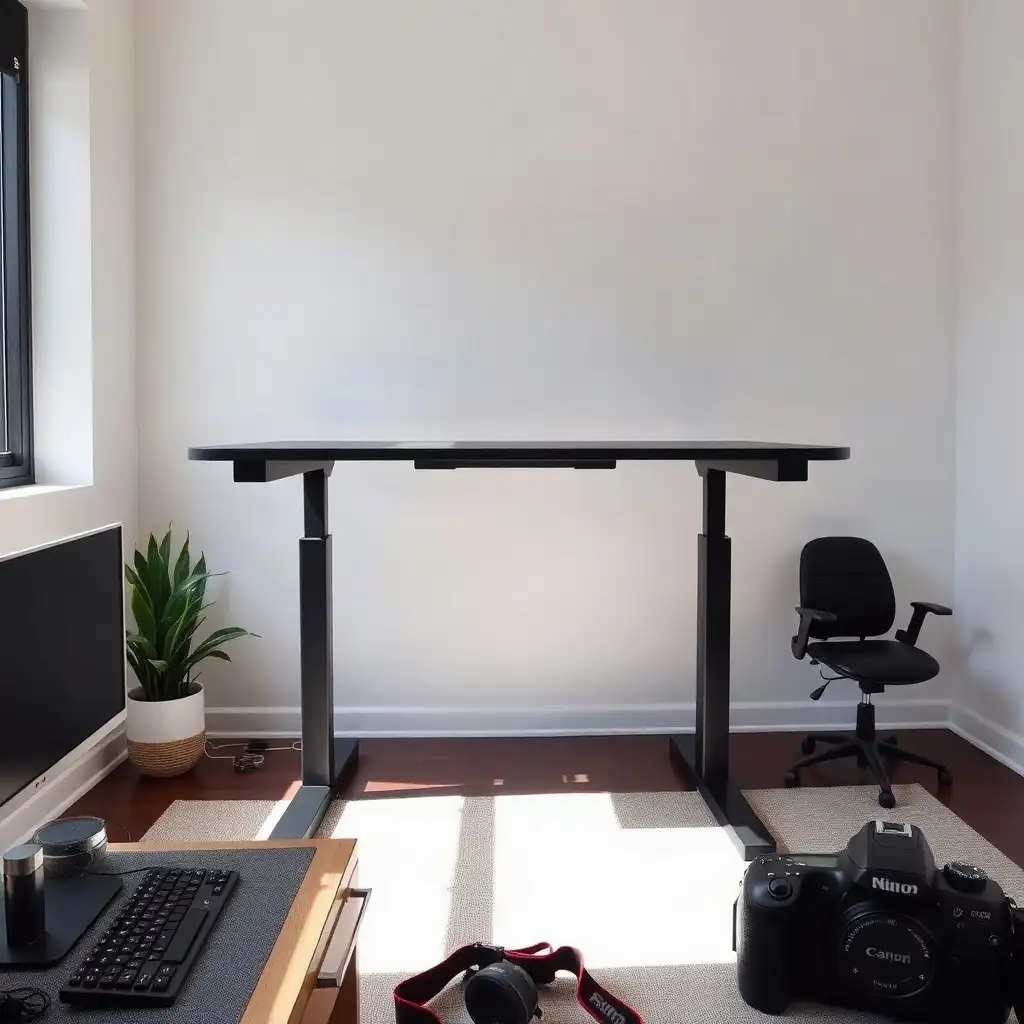
Choosing the right desktop for a standing desk frame boosts productivity and well-being. By taking accurate measurements, using sustainable materials, and making smart design choices, you can build a workspace that meets ergonomic needs. Consider elements like surface texture and compatibility with accessories to create an organized setup that fits your work habits. This approach turns your workspace into a place where creativity and efficiency thrive.
Understanding Desktop Material Options
Choosing the right material for a replacement desktop is important because it affects functionality and appearance. Common options include solid wood, laminate, glass, and bamboo. Each type has benefits: solid wood offers warmth and durability; laminate is easy to clean and scratch-resistant; glass provides a modern look but requires more maintenance; bamboo is lightweight, strong, and eco-friendly.
Compatibility with Your Standing Desk Frame
Consider how each material fits your standing desk frame’s requirements, some may need specific mounting hardware or adjustments in weight distribution.
Surface Texture Considerations
Consider how surface texture impacts your work experience. Smoother finishes are better for writing or using devices comfortably, while rougher textures could affect grip on items placed on them. Balancing these factors helps create a productive environment without sacrificing style or sustainability.
Measuring Desktop Dimensions for Compatibility
When determining the size for your new desktop, accurate measurements are crucial. Check the specifications of your standing desk frame to ensure it fits correctly; this involves checking the width and depth. These dimensions should match or be slightly larger than your original desktop size for stability. A surface that is too large might restrict movement or harm ergonomics, while one that is too small can limit work effectiveness. Start with equipment footprint, then leave room for monitors, accessories, and the tasks you do at the desk.
Also, consider any extra features you might want, like monitor arms or cable management systems, that could require additional space. A well-measured desktop enhances usability and helps create an organized workspace where everything has its place. For a compact desk, weigh limited desktop area against the equipment and documents you use every day.
The Pros & Cons of Desktop Replacement Compatibility
Pros
-
Makes sure it fits with specific frame requirements, avoiding any installation problems.
-
Lets you personalize your workspace's look and functionality through different desktop choices.
Cons
-
You’ll need to conduct detailed research on manufacturer specifications, which can take a lot of time.
-
There’s a chance that costs could rise if you require custom or specialty desktops to ensure they meet compatibility standards.
Exploring Mounting Compatibility
To ensure your new desktop fits well with the standing desk frame, understanding how to mount them together is crucial. Start by checking the frame’s specifications to find suitable fasteners and brackets for your surface. Different frames may have specific needs, so consult the manufacturer’s guidelines for compatible materials and attachment methods. Some desktops may require specific clamps or hardware, oversized screws or improper fittings could cause instability over time.
Consider how elements like monitor arms might affect weight distribution; an improperly mounted arm could shift weight unexpectedly. Proper alignment secures your desktop, enhances longevity, and improves workspace functionality, creating an efficient work environment tailored to your needs without compromising safety or style.
Mounting Compatibility
To ensure a seamless integration of your new desktop with the standing desk frame, understanding mounting compatibility is crucial.
Frame Specifications
Begin by examining the frame’s specifications to determine which types of fasteners and brackets are suitable for securing your chosen surface.
Manufacturer Guidelines
Different frames may have unique requirements, so it’s wise to consult the manufacturer’s guidelines regarding compatible materials and attachment methods.
Specific Clamps or Hardware
Some desktops might necessitate specific clamps or hardware that align with their design, oversized screws or inadequate fittings can lead to instability over time.
Load Distribution Considerations
consider how elements like monitor arms might affect load distribution; an improperly mounted arm could shift weight in unforeseen ways.
Proper Alignment Benefits
Maintaining proper alignment not only secures your desktop but also ensures longevity while enhancing overall workspace functionality, paving the way for an efficient work setup tailored to individual needs without compromising safety or style.
Considering Aesthetic Preferences
Aesthetic preferences are essential in creating a workspace that reflects personal style while meeting practical needs. When choosing a new desktop, consider how colors, textures, and finishes fit into the overall feel of your office or home. Light wood tones can bring warmth; sleek metal frames with minimalist glass create a modern vibe for contemporary settings.
Adding accent pieces, like colorful desk organizers or decorative plants, can boost visual interest without cluttering. Ensure that furniture elements work well together; selecting desks and chairs with complementary styles creates harmony in your workstation. This balance enhances the look and supports mental clarity and motivation as you tackle daily tasks in an environment tailored to your taste.
Colors
Think about what colors make you feel good when working.
Textures
Consider different materials, smooth surfaces might help you focus better than rough ones.
Finishes
Choose finishes that match the mood you’re aiming for in your workspace.
Accent Pieces
Use items like unique organizers or plants to add character without overcrowding.
Furniture Coherence
Select furniture that complements each other for a unified look throughout your space.
Choosing the Perfect Desktop Material: Key Factors
| Feature | Description |
|---|---|
| Dimensions | Ensure the replacement desktop matches the frame’s width and depth specifications for proper fit. |
| Mounting Compatibility | Check the mounting system of the standing desk frame to confirm compatibility with the new desktop. |
| Manufacturer Limits | Refer to the manufacturer’s guidelines for any specific restrictions related to weight or material. |
| Surface Material | Consider the durability and finish of the desktop material, as it affects aesthetics and maintenance. |
| Cable Management | Plan for cable routing to avoid snagging or pinching when adjusting the desk height. |
Assessing Workflow Needs
Understanding how workflow needs influence your choice of a replacement desktop is crucial for creating an efficient workspace. Start by examining the specific tasks you handle daily; whether it’s typing, graphic design, or video calls, each requires different space and arrangement. If you plan to use multiple monitors, ensure there’s enough room for both screens while leaving space for essential items like notebooks or coffee mugs, this helps keep things organized and reduces clutter.
Also consider height differences when standing; some may prefer their mouse and keyboard positioned slightly lower than the screen for comfort. Think about how accessories like docking stations or charging pads fit into this setup as well, these can affect layout and overall productivity throughout your workday.
By aligning your new desktop with these practical considerations, you’ll create an environment that boosts efficiency without sacrificing personal style or comfort in your home office.
Evaluating Manufacturer Guidelines
As you look for a new desktop to replace your old one, check the manufacturer’s guidelines. Each desk frame has specific requirements that determine compatible materials and setups. Review your frame’s manual for load capacity and mounting specifications; these details are crucial for stability and safety once you install your new surface.
Some frames may require specific fasteners or brackets based on their design, ignoring these can lead to instability or damage over time. Consider how weight distribution affects the setup; heavier desktops may need stronger supports or adjustments if adding accessories like monitor arms, which can shift the center of gravity unexpectedly.
By following the manufacturer’s recommendations, you’ll create a solid base that ensures durability and functionality while maintaining an organized workspace tailored to your needs without sacrificing style or performance.
Manufacturer Guidelines
Load Capacity
Mounting Specifications
Weight Distribution
Unveiling Secrets of Standing Desk Desktops
-
Many people think any tabletop can fit a standing desk frame, but compatibility depends on the specific mounting setups and sizes from the manufacturers of both the frame and desktop.
-
It's often thought that if a desktop resembles the original one, it will work with the frame. Different surfaces may have unique construction or mounting needs that must be checked in the manufacturer’s documentation.
-
Some believe using existing holes from an old desktop ensures alignment with a new one. Each replacement desktop should be evaluated for proper fastener and mounting point compatibility.
-
A common misunderstanding is that the rated capacity of a standing desk frame applies to all models equally. Each frame has its own capacity ratings tied to its model, which should be verified instead of assumed based on other frames.
-
Many users forget about cable management when swapping desktops. It’s important to ensure cables have enough slack and don’t obstruct the desk's movement, as this affects functionality and safety.
Utilizing Accessories for Enhanced Functionality
Incorporating accessories into your standing desk setup can improve functionality and comfort. Accessories like monitor arms, keyboard trays, and cable management systems maximize space and promote better ergonomics by allowing optimal device arrangement. Mounting monitors at eye level reduces neck strain and frees up desktop space for essentials like notebooks or personal items. A well-placed keyboard tray encourages proper posture during typing sessions, an important consideration for anyone spending hours in front of screens.
Before choosing accessories, ensure they are compatible with your desk and frame. Each accessory has specific requirements regarding weight capacity and installation; consulting manufacturer guidelines is crucial to avoid stability or safety issues. Some monitor arms may need extra support if paired with heavier desktops, underestimating these factors could lead to an unstable workspace. By integrating accessories suited to your workflow while following compatibility standards set by manufacturers, you create a cohesive environment that boosts productivity without compromising design or user experience.
Planning for Future Adjustments
Anticipating future changes when choosing a new desktop is essential for long-term satisfaction and usability. As work habits change, so do workspace requirements; therefore, selecting a flexible desktop that meets these evolving needs is crucial. Consider how you might add equipment over time, like an extra monitor, new software requiring different accessories, or improved cable management solutions. Planning for upgrades means selecting a larger surface area now or using modular components for easy adjustments later.
Consider height adjustability: does your current setup support both standing and sitting positions comfortably? Future-proofing involves addressing immediate needs while embracing design choices that promote comfort and efficiency as work environments evolve. By planning proactively, you create adaptable spaces designed to support changing workflows while maintaining aesthetic appeal and ergonomic integrity.
Finalizing Your Replacement Desktop Plan
Finalizing your replacement desktop plan involves careful consideration of several factors. Start by compiling insights about material selection, dimensions, and aesthetic preferences to form a cohesive vision for your workspace. This process is not just about choosing a surface; it’s also about creating an environment that reflects who you are while meeting the functional needs of your daily tasks. Before making decisions, review compatibility details, double-check manufacturer specifications for weight limits and mounting requirements.
Every element must work well together; otherwise, even a stylish desktop can cause frustration if it fails to meet practical needs.
Anticipating Workflow Changes
consider how this new setup will impact your workflow over time. Note any specific accessories or features you plan to add later and ensure they fit with both your current choices and future goals. Consider potential changes like height adjustments or additional equipment as your work habits evolve. By balancing aesthetics with functionality now, you’ll set yourself up for long-term satisfaction in your home office, a space where every detail enhances productivity without compromising personal style or comfort.
FAQ
What should the user check first when planning to replace a desktop for their standing desk frame?
Check the frame’s approved desktop dimensions and mounting requirements in the manufacturer’s documentation before swapping your desktop for a standing desk frame.
How can the user confirm that a new desktop is compatible with their existing frame?
Check the specific documentation for your frame to confirm approved dimensions, mounting requirements, and load capacity for a new desktop.
What factors should the user consider regarding the total load on their standing desk?
Consider the total weight of your desktop, monitors, equipment, and accessories to ensure it stays within the frame’s rated capacity.
Why is it important for the user to account for cable movement when replacing a desktop?
When switching to a standing desk, ensure cables have enough slack to avoid getting tight or pinched during height adjustments, preventing damage to equipment and the desk frame.
What steps should the user take if they have unresolved questions about compatibility before purchasing a new desktop?
Contact the frame manufacturer for compatibility details and check with the desktop manufacturer on attachment methods before purchasing a new desktop.
How does the adjustment mechanism of a standing desk affect the choice of replacement desktop?
Adjusting a standing desk is crucial as each model has specific height, motor, and control requirements that must match your chosen surface.