
How to Read a Standing Desk’s Weight Capacity
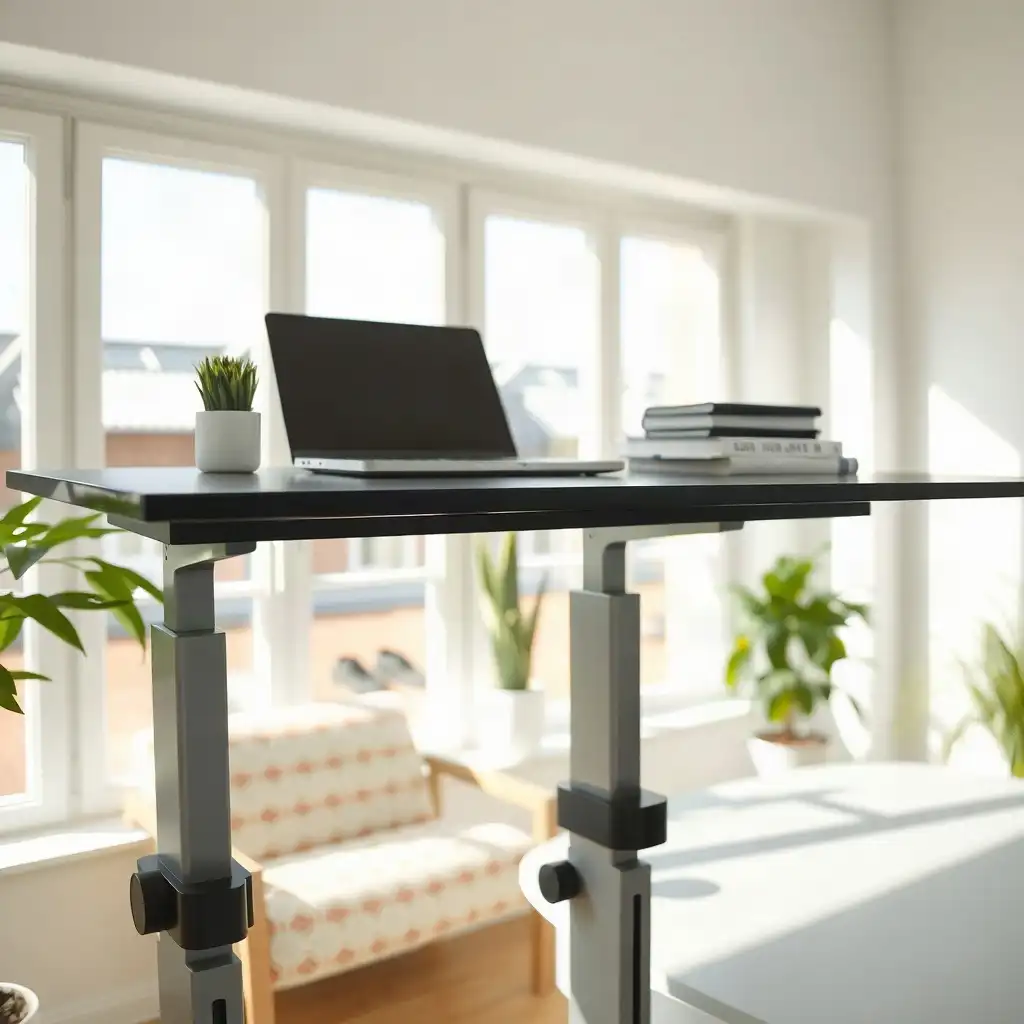
Knowing how much weight a standing desk can hold is important for keeping your workspace functional. By checking the manufacturer’s specifications, you can find the maximum weight the desk can safely carry, including the desktop and any items like monitors and accessories. Consider both the total weight of your equipment and how different materials and designs affect load limits. This information helps you choose desks that fit your needs while maintaining safety and performance.
Understanding Weight Capacity Terms
Weight capacity refers to the maximum load a standing desk can support without risking damage or function. This includes the weight of the desktop and everything placed on it, like monitors, laptops, books, and decorative items. Understanding this term is important because exceeding a desk’s rated capacity can cause wobbling or malfunctioning mechanisms.
When evaluating these capacities, remember that manufacturers may define “weight capacity” differently based on materials and design. Motorized desks often have specific limits related to their construction; electric models might provide different specifications than manual ones. Always check your model’s documentation for accurate information about its weight handling capacity while maintaining stability during use.
Manufacturer Specifications Explained
Every standing desk includes manufacturer specifications detailing its weight capacity, a critical factor in making an informed choice. These documents provide information about the materials used and their impact on strength. Some desks use steel frames for durability, while others may use lighter materials to reduce costs, resulting in lower load limits. Understanding your model’s parameters can help avoid potential issues.
Each brand may have different testing standards for determining weight capacities. One manufacturer might define “weight capacity” based on static loads during testing, while another may consider dynamic use, meaning movement and adjustments during regular operation are factored into their ratings. Always refer to your specific desk’s documentation for insights on what it can handle effectively under various circumstances without compromising stability or performance.
The Pros & Cons of Desk Weight Capacity
Pros
-
A clear weight capacity helps users choose the right equipment and accessories.
-
Knowing the rated capacity ensures you can use it safely and avoid damaging the desk.
-
Accurate weight assessments help create ergonomic setups, boosting user comfort.
-
Manufacturer specifications guide you for optimal desk performance.
Cons
-
Different desk models have varying weight capacities, which can create confusion.
-
Misunderstanding capacity ratings may lead to unsafe setups or equipment failure.
-
Some manufacturers might not clearly specify what is included in the weight rating.
-
Relying only on capacity figures does not ensure stability or usability during operation.
Calculating Your Total Desktop Load
To calculate your total desktop load accurately, list the weights of everything on your desk, including the desk itself, monitors, laptops, keyboards, and accessories like document holders or speakers. Dual monitors mounted on a stand, a laptop, and office supplies can add up quickly.
Weigh everything carefully; even small items can significantly contribute to the overall weight. Many forget lighter objects, like books or decorative pieces, which can exceed the manufacturer’s weight limit. It’s wise to list these components with their weights before making purchases.
Once you’ve gathered this information, add it together for an accurate assessment of the weight on your standing desk at any time. Exceeding this total could affect stability and functionality, not ideal when adjusting throughout your workday. A careful approach ensures you maximize both ergonomics and safety while creating a workspace that fits your needs.
Evaluating Desktop Material and Size
The material and size of your desk are key factors in its performance and longevity. When considering desktop materials, think about their impact on weight capacity and appearance. Solid wood is sturdy but heavier than options like particleboard or laminate. A heavier surface adds to the total load your standing desk must support.
Size Matters
Size is crucial; larger desktops can hold more equipment but increase the risk of exceeding weight limits if not monitored. Checking dimensions ensures you select a workspace that fits comfortably while being functional during adjustments throughout the day. Balancing material choice and size maintains stability without sacrificing style or usability, leading to an efficient work experience.
Shape Influences Functionality
Consider how different shapes affect storage and ergonomics; desks with deeper surfaces may offer better organization for devices and enough room for movement when switching between sitting and standing. Explore these elements, they’re essential for creating a balanced home office setup!
Decoding Weight Limits for Optimal Use
| Factor | Description | Considerations | Notes |
|---|---|---|---|
| Weight Capacity | The maximum weight a standing desk can support as stated by the manufacturer. | Includes the combined weight of the desktop setup and accessories. | Check manufacturer’s manual for specifics. |
| Desktop Setup | The total load includes the weight of the desk surface, monitors, keyboards, and other equipment. | Ensure that all components are accounted for when calculating load. | Adjustments may be needed based on usage. |
| Monitor Arms | Adding monitor arms increases both load and leverage on the desk. | Ensure proper mounting to avoid exceeding capacity. | Follow routing guidelines to prevent cord issues. |
| Motorized vs. Manual | Different mechanisms affect weight capacity; motorized desks may have different limits than manual ones. | Confirm specific load limits in the desk’s manual. | Refer to the model-specific instructions. |
| Safety Checks | Regular checks should be conducted to ensure stability and functionality of the desk. | Inspect for wear on fasteners and joints regularly. | Address any issues before adding more load. |
| User Guidelines | Each user should follow guidelines for optimal desk use and adjustments. | Consult the desk’s manual for recommended adjustments and usage. | Personal preferences may vary based on height and tasks. |
Practical Weight Distribution Tips
To keep your standing desk functioning well, consider how you arrange the weight on it. Place heavier items like monitors or printers closer to the center of the desktop to reduce wobbling during height adjustments and maintain stability.
Layer lighter accessories effectively. Position keyboards and notebooks at the back or sides to avoid disrupting balance while keeping them accessible. Remember that each item adds weight and affects desk behavior during adjustments.
Regularly check what’s on your desk. If you introduce new equipment, like a larger monitor, reevaluate the total load to avoid exceeding manufacturer limits. By following these tips, you’ll create a functional and safe workspace while considering comfort and design.
Understanding Motor Capacity Limits
Motor capacity is an important factor when considering how your standing desk will perform over time. This refers to the strength and efficiency of the motors that adjust the height, which can vary between models. Manufacturers provide specific load limits for their motorized desks, these indicate how much weight they can lift and under what conditions.
Electric standing desks may have different specifications based on their design; some are built for regular use in busy office settings while others are intended for home environments with less frequent adjustments. Always check your model’s manual for detailed information about its motor capabilities, including maximum load limits during both static (when not moving) and dynamic (when adjusting) operations.
It’s crucial to remember that exceeding these capacities could cause performance issues or damage over time. If you frequently adjust your desk with heavy loads, consider a model designed with strong motors for such demands. Understanding these limitations helps ensure reliable functionality as you switch between sitting and standing throughout your workday without compromising stability or safety.
Unveiling Secrets of Standing Desk Capacity
-
The weight limit for a standing desk varies by model, set by the manufacturer based on its construction and mechanisms.
-
A standing desk’s weight capacity includes all items on your desktop, monitors, peripherals, and other equipment.
-
Stability under load depends on more than weight capacity; setup and design also significantly affect stability.
-
Users often underestimate the weight of monitor arms when calculating total load limits. Include both the monitor arm and monitors to avoid exceeding the desk's support.
-
Individuals should verify if their desktop is compatible with planned accessories, as each component may have different limits or mounting requirements outlined in manuals.
Assessing Stability Under Load
Stability is key to creating a safe and functional workspace with your standing desk. To check how well your desk holds its balance when you put weight on it, examine its design. Look for cross-bracing or wider bases that boost stability; these elements help distribute weight evenly and minimize wobbling during height adjustments. Assess steady work-surface support at both sitting and standing heights, especially after changing the load or floor contact.
Consider where you place items on your desktop, this can greatly affect overall steadiness. Positioning heavier items like monitors toward the center reduces the chance of tipping or swaying as you switch between sitting and standing positions. Ensure all legs are in full contact with the floor; uneven surfaces can cause instability even before adding equipment. On carpet, confirm level floor contact; uneven contact beneath the feet can contribute to movement.
Another useful method is to do a simple shake test: gently push down on each corner of the desktop at different heights to see if it remains solid throughout its range of motion. If you notice excessive movement or noise, reassess what you’re placing on top and how those items might shift as you adjust the height.
Remember to regularly reassess both load distribution and setup conditions over time, your needs might change as new accessories come into play! By consistently evaluating these factors related to stability under load, you’ll create an efficient environment that supports productivity without risking safety.
Maintaining Your Standing Desk Setup
To keep your standing desk in good shape, regularly check its parts. Start by inspecting the moving components, especially if you have an electric model. Ensure that the height adjustment mechanisms move smoothly; any resistance may indicate wear or misalignment. Also, check cables for signs of fraying or excessive tension to prevent snags when adjusting the desk.
Clean the surfaces and joints of your desk periodically to remove dust and debris that might affect movement or appearance. If you’ve added accessories like monitor arms or keyboard trays, ensure they’re securely attached according to manufacturer guidelines to prevent unnecessary strain on your setup.
Don’t Overlook How External Factors Impact Performance as Well.
Consider room temperature changes, as extreme heat or cold can affect materials over time. Keeping these maintenance tips in mind will extend the life of your standing desk and improve its usability.
Safety Guidelines for Desk Usage
Safety is key when using your standing desk effectively. Ensure the area around your desk is free of hazards. Remove any cords or items that could cause tripping while switching between sitting and standing positions. If your desk has adjustable legs, ensure they are securely locked in place to avoid accidental lowering while working.
Weight Limits
Another important point to keep in mind involves weight limits, not just for the desk itself but also regarding how you arrange equipment on it. Don’t put heavy monitors on flimsy stands; use sturdy mounts designed to support their weight without risking damage or instability. Regularly inspect all components to prevent unexpected failures due to wear and tear, especially if you frequently adjust during your workday. By following these safety tips, you’ll create a secure environment that boosts productivity and overall well-being.
Making Informed Decisions
When deciding on a standing desk, consider factors like functionality and weight capacity. Avoid being swayed by large desktops or trendy styles; ensure they fit your workspace’s limits. Always check product specifications to select a model that supports the total weight, including monitors, laptops, and accessories.
Construction and Intended Use
Also, consider whether the desk’s construction fits its intended use. Some desks are designed for light home office setups, while others are built for demanding environments with frequent adjustments. Pay attention to materials; sturdier options may cost more initially but can save you from early replacements due to wear or stability issues from exceeding weight limits.
User Feedback
seek feedback from user communities or forums focused on ergonomic furniture. Real-life experiences often provide insights beyond manufacturer claims. Connecting with other users can reveal potential downsides or benefits of specific models based on practical use in different settings, helping you make informed decisions about ergonomics and style.
FAQ
What does the weight capacity rating of a standing desk indicate about its limits?
The weight capacity of a standing desk indicates how much weight it can safely hold, varying by model according to the manufacturer’s specifications.
How do I accurately assess the total weight of my desktop setup?
To accurately weigh a desktop setup, list everything on the desk, including the desktop, monitors, peripherals, and mounted accessories, without counting anything more than once.
Why is it important to check the manufacturer’s documentation for my specific desk model?
Checking the manufacturer’s documentation for a specific desk model provides essential information about weight capacity, compatibility, and setup requirements unique to that model.
What items should I include when calculating the weight on my standing desk?
Include the weight of the desktop, monitors, monitor arms, computers, peripherals, and any other items on the desk without counting anything twice.
How do monitor arms affect the overall weight capacity and setup of my desk?
Monitor arms affect a standing desk’s total weight capacity by adding weight and altering monitor support, so consider both the arm and the monitors it will hold.
What steps should I take to ensure proper cable management as my desk height changes?
Route cords to prevent tension, snagging, and pinching as the desk height changes.